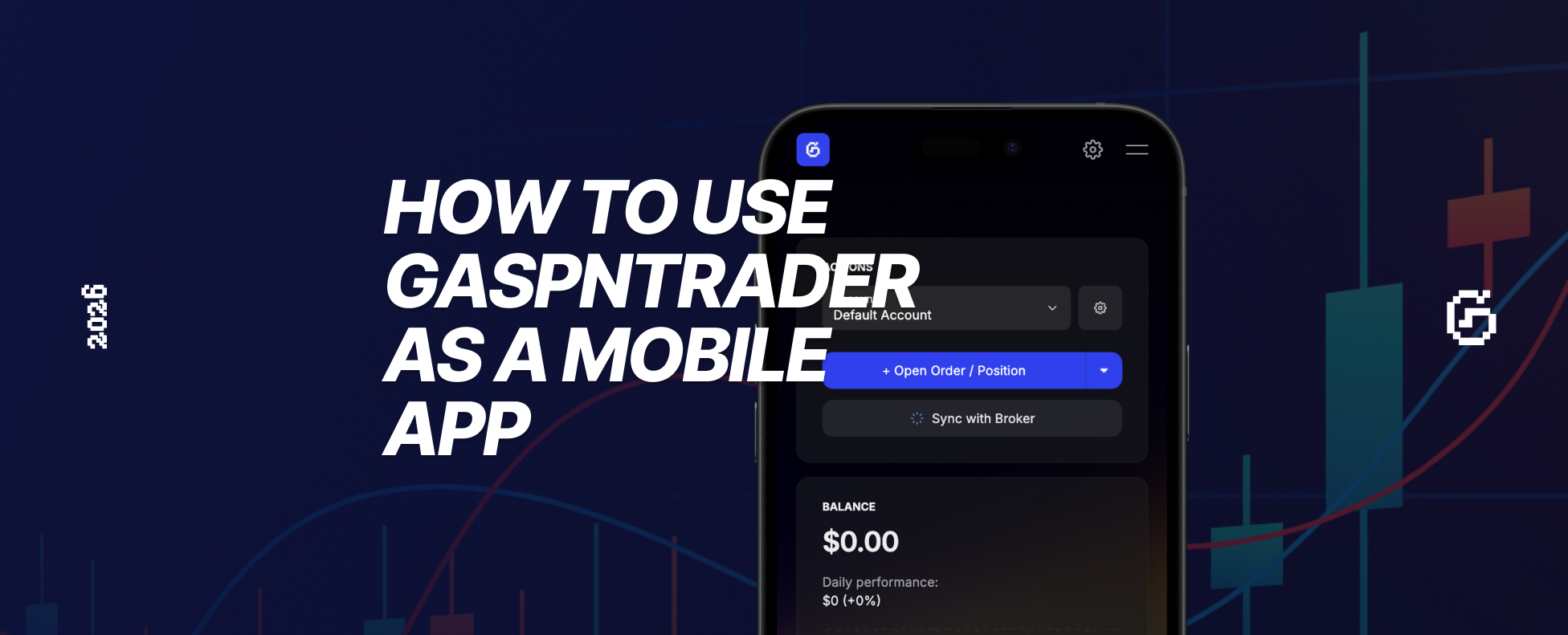
Want to access your trading journal on the go? GASPNTRADER works as a Progressive Web App (PWA), which means you can add it to your phone's home screen and use it like a native app.
Here's how to set it up on iPhone and Android.
iPhone (Safari)
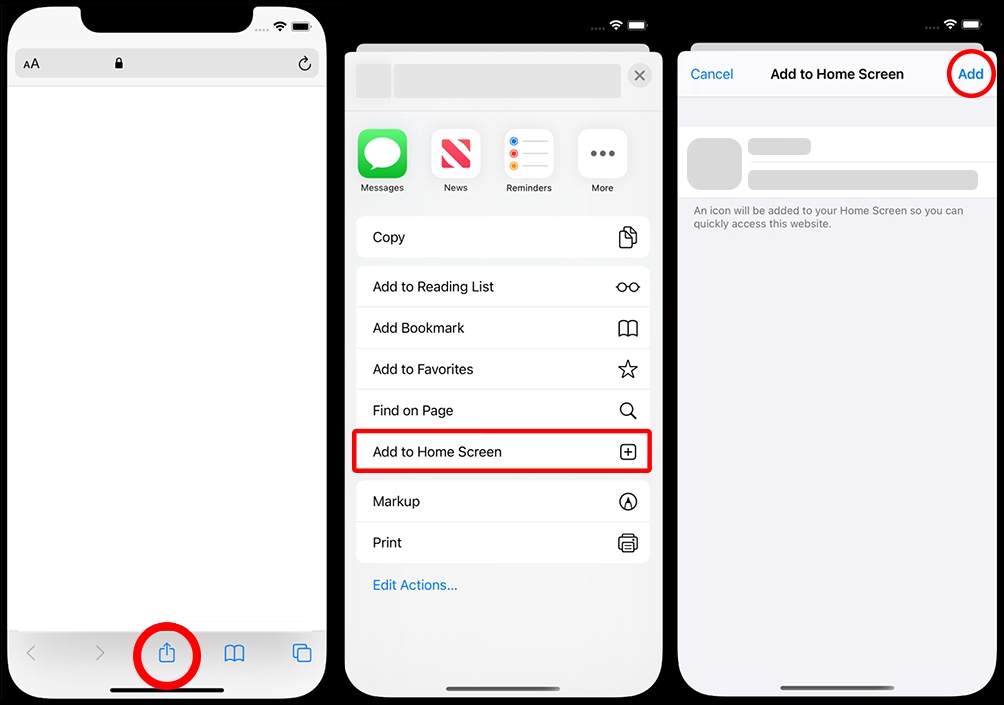
- Open gaspntrader.com/app in Safari
- Tap the Share button (the square with an arrow pointing up)
- Scroll down and tap Add to Home Screen
- Tap Add in the top right corner
- That's it! GASPNTRADER will now appear on your home screen
Android (Chrome)
- Open gaspntrader.com/app in Chrome
- Tap the three dots menu (top right)
- Tap Add to Home Screen
- Tap Add to confirm
- GASPNTRADER is now on your home screen
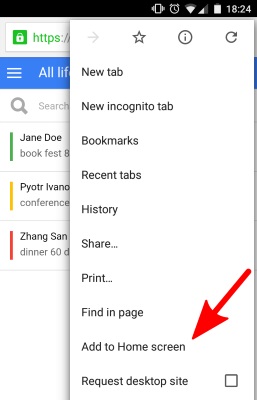
PWA on Android
Why Use GASPNTRADER as a Mobile App?
- Quick access - Open your journal instantly from the home screen
- No app store required - Works directly in your browser
- Offline support - Data syncs when you're back online
- Native feel - Add to home screen for a full-screen experience
What You Can Do on Mobile
- Log trades - Record entries, exits, P&L, and notes
- Track performance - View your stats on the go
- Add tags & emotions - Keep your journaling complete
- Review your day - Check your calendar and daily P&L
Pro Tip: Use It Daily
Add GASPNTRADER to your home screen and make it part of your trading routine:
- Morning: Review yesterday's trades before the market opens
- During market hours: Log new positions as they happen
- End of day: Add notes and tag your trades
This is the easiest way to stay consistent with your trading journal - no extra apps needed.
Start using GASPNTRADER on your phone today!
Get Started at gaspntrader.com/app