IMPORT USING CSV / AI
100% Free Trading Journal For
Binance
Effortlessly keep track of your trading performance with our specialized Trading Journal designed for Binance.
The Most Intuitive and Minimalist Binance Trading Journal,
Built for You.
Absolutely Cost-Free.

Binance
Founded 2017
The world's largest cryptocurrency exchange by trading volume.
$0
4.2/5.0
Your free trading journal — track every trade, record your decisions, and capture the emotions behind them. Recognize patterns in your trading, identify what strategies work best, and uncover the habits that lead to consistent profits. With clear, intuitive and minimalistic dashboard, you can analyze your performance over time and make smarter, more informed trading decisions.
By keeping a record of your past trades and reflecting on them, you can revisit the decisions you made, the emotions you experienced, and the reasoning behind each move. This practice helps you trade smarter, refine your strategies, and stay consistently profitable. Start using a free trading journal today and take control of your trading journey.
All-in-One
Binance Trading Journal
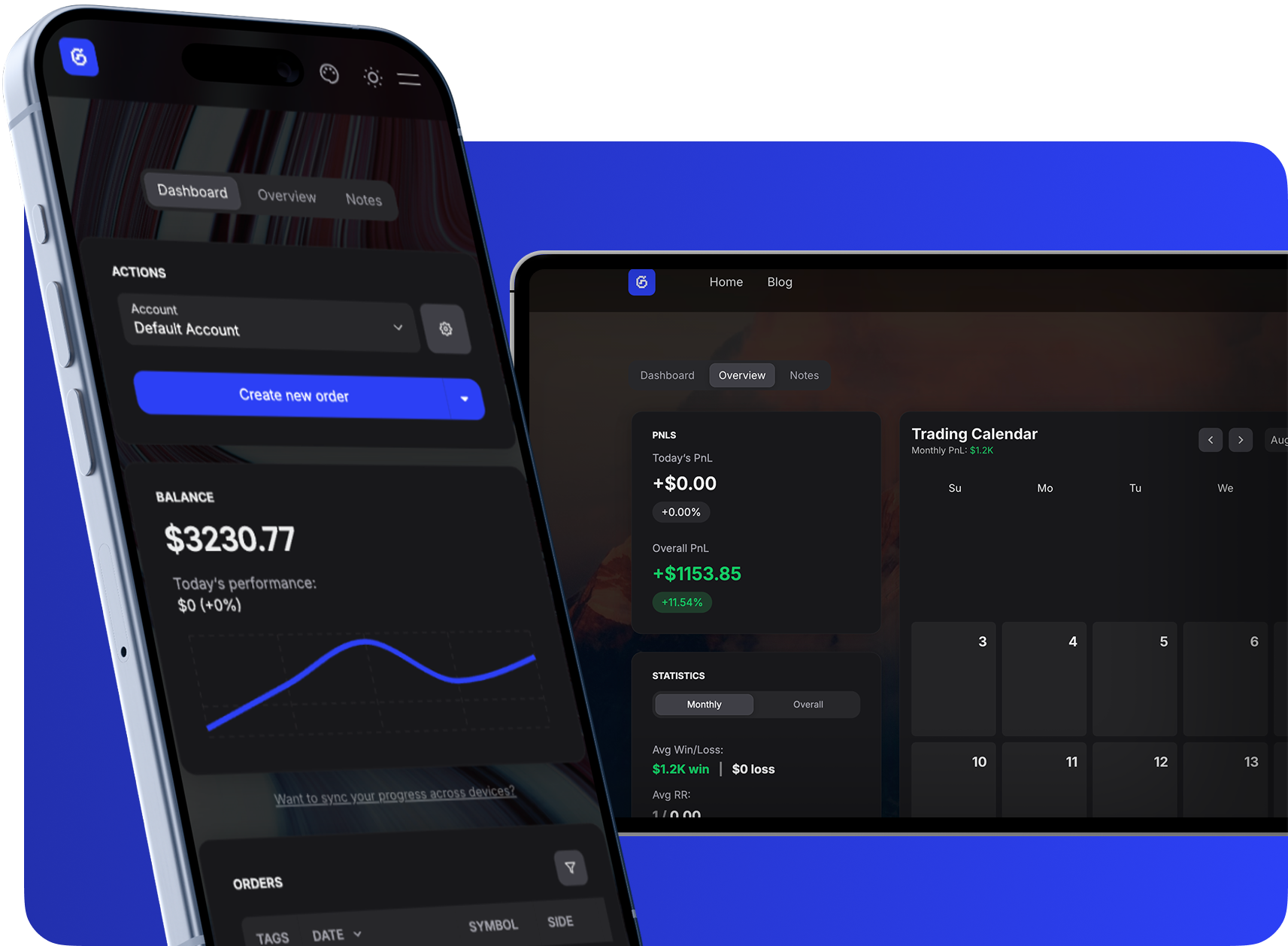
Dashboard
Track multiple accounts, manage trades, and monitor growth with a clean balance chart and searchable tables.
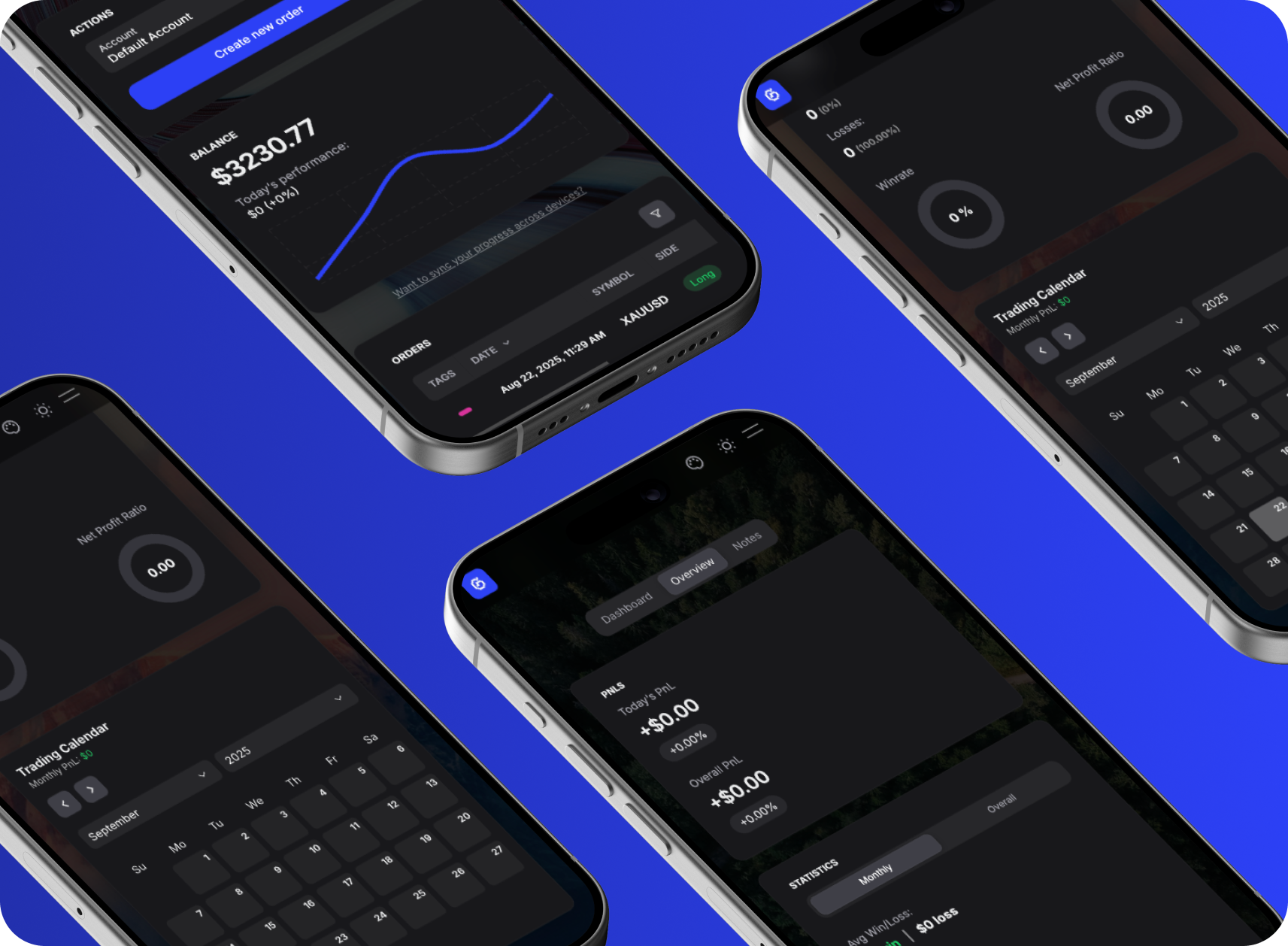
Notes & Overview
Attach notes, tags, and images to trades while reviewing P&L, ratios, and calendar-based performance stats.
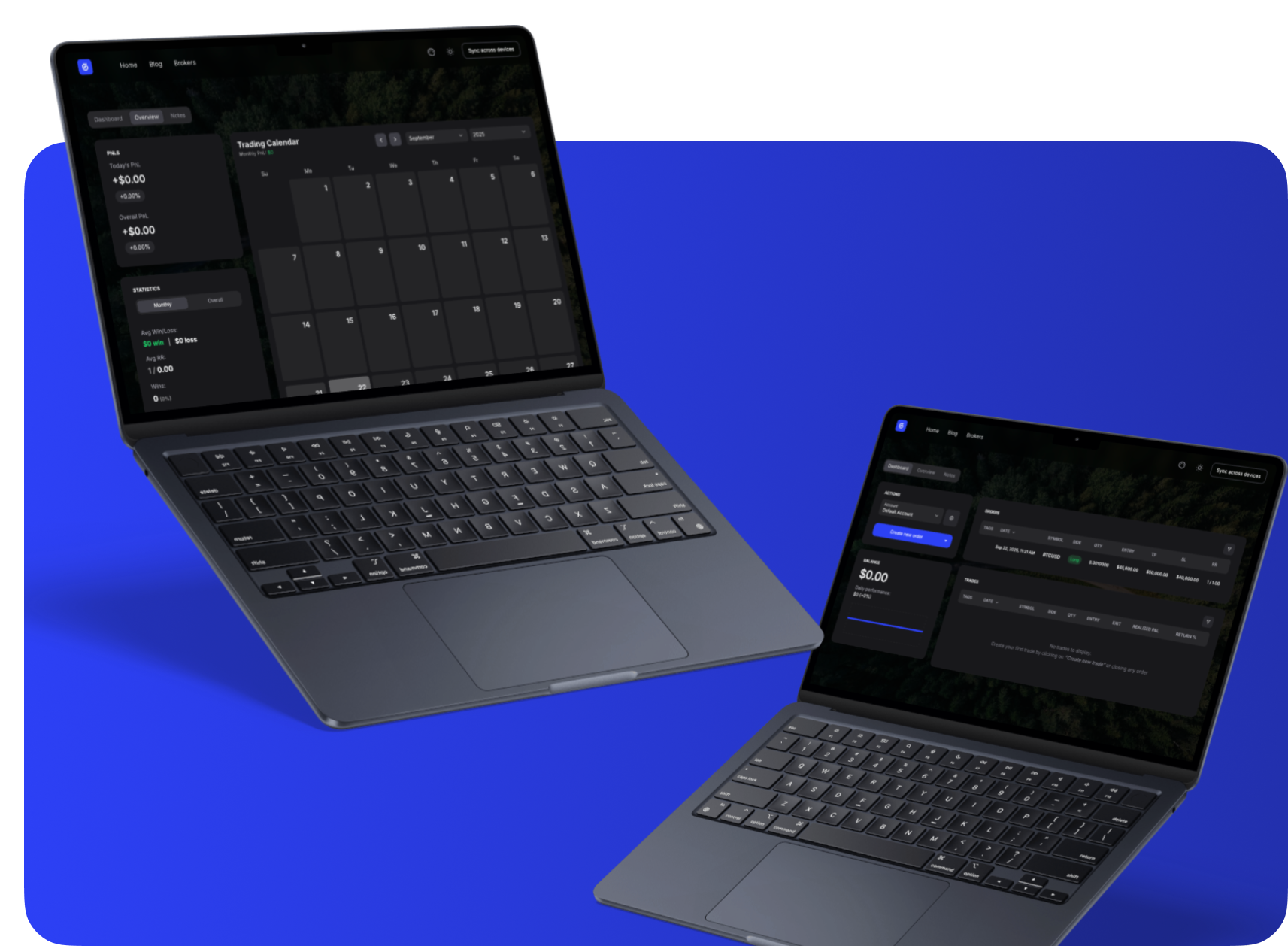
Free & Instant
Start journaling right away, no sign-up needed. All data stays private in your browser.
Everything About Binance
Complete information about Binance including commissions, platforms, regulation, and more.
Binance
Visit Website →2017
Global (no fixed HQ)
$0
4.2/5.0
Binance Information
Commissions & Fees
Trading Platforms
Regulations
Account Types
Pros | Cons |
|---|---|
Largest crypto selection | Crypto only |
Low trading fees | Regulatory uncertainty |
Advanced trading features | Complex for beginners |
High liquidity | — |
Binance Customer Support
24/7
Sync Your Binance Trades
Take full control of your automated trading by syncing Binance with GASPNTRADER — track every move, review every setup, and grow with precision.
Supported Assets
How to Import Trades from Binance
Export your trade history from Binance and import it into GASPNTRADER in minutes.
- 1
Log in to binance.com and go to Orders > Trade History (or Spot Order History).
- 2
Click 'Export' in the top right corner of the trade history page.
- 3
Select your date range (maximum 3 months per export) and click 'Generate'.
- 4
Download the CSV file once it is ready.
- 5
Open GASPNTRADER, go to Import, and upload the Binance CSV. The columns will be mapped automatically.
CSV Format
Date(UTC), Pair, Side, Price, Executed, Amount, Fee
*Binance limits CSV exports to 3-month windows. For longer periods, generate multiple exports.
*Futures and spot trades export separately. Make sure you export from the correct section.
*If you use Binance sub-accounts, each account exports independently.
Binance as a Trading Platform
Binance is the largest crypto exchange by volume, offering spot, futures, margin, and options trading across hundreds of pairs. Liquidity is deep on major pairs, fees are competitive (especially with BNB discounts), and the platform supports everything from simple market orders to advanced grid trading bots.
The main concern is regulatory. Binance has faced restrictions in several countries, and the platform available to US users (Binance.US) has significantly fewer features than the global version. For crypto-focused traders outside the US, Binance remains the default choice. Importing trade history into GASPNTRADER lets you track performance across spot and futures in one dashboard.
Popular Questions
GASPNTRADER + Binance
Boost your win rate and maximize PnL with GASPNTRADER — 100% Cost Free!