IMPORT USING CSV / AI
100% Free Trading Journal For
NinjaTrader
Effortlessly keep track of your trading performance with our specialized Trading Journal designed for NinjaTrader.
The Most Intuitive and Minimalist NinjaTrader Trading Journal,
Built for You.
Absolutely Cost-Free.

NinjaTrader
Founded 2003
A futures and forex trading platform with advanced charting and automated trading capabilities.
$0
4.2/5.0
Your free trading journal — track every trade, record your decisions, and capture the emotions behind them. Recognize patterns in your trading, identify what strategies work best, and uncover the habits that lead to consistent profits. With clear, intuitive and minimalistic dashboard, you can analyze your performance over time and make smarter, more informed trading decisions.
By keeping a record of your past trades and reflecting on them, you can revisit the decisions you made, the emotions you experienced, and the reasoning behind each move. This practice helps you trade smarter, refine your strategies, and stay consistently profitable. Start using a free trading journal today and take control of your trading journey.
All-in-One
NinjaTrader Trading Journal
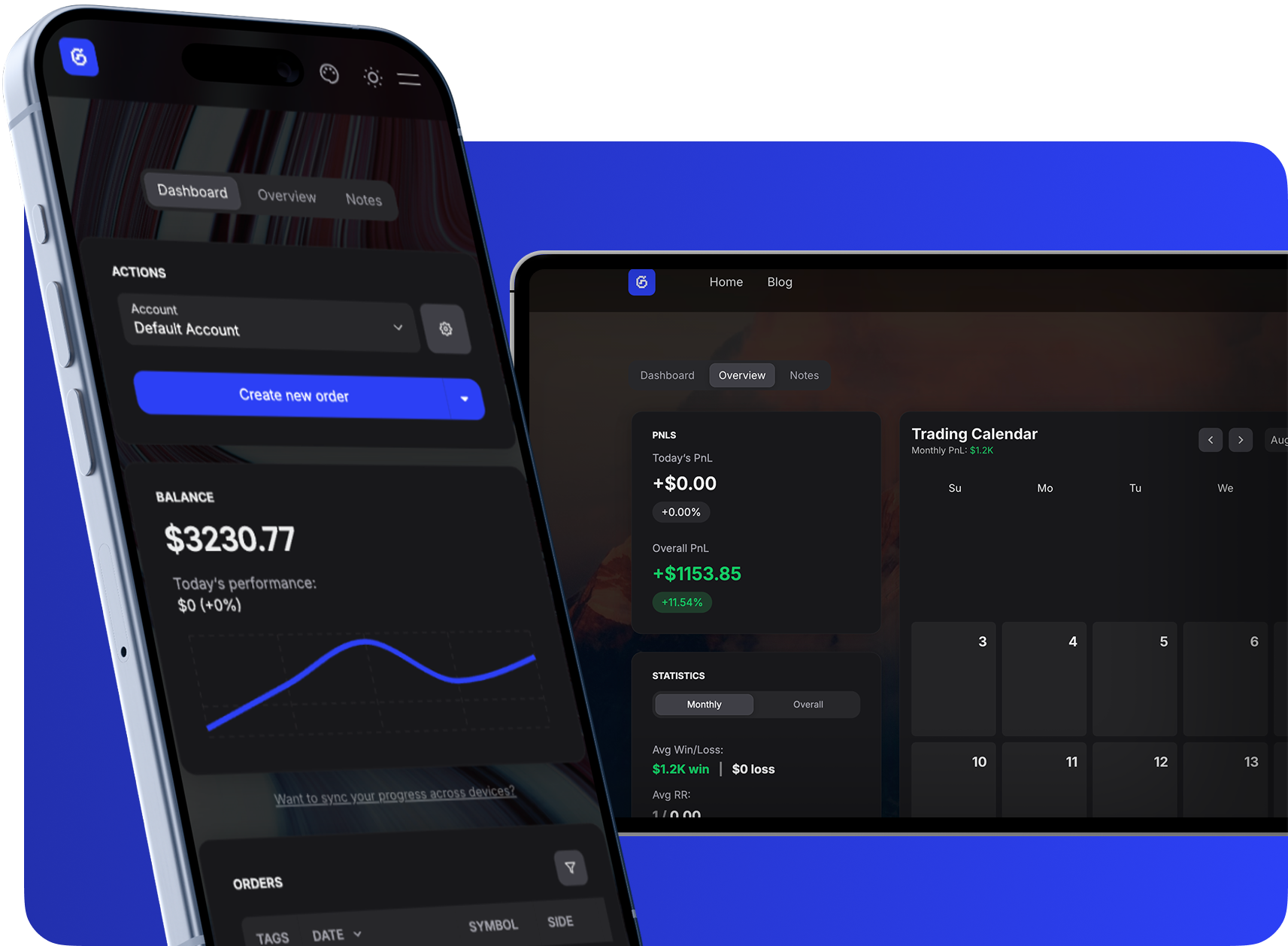
Dashboard
Track multiple accounts, manage trades, and monitor growth with a clean balance chart and searchable tables.
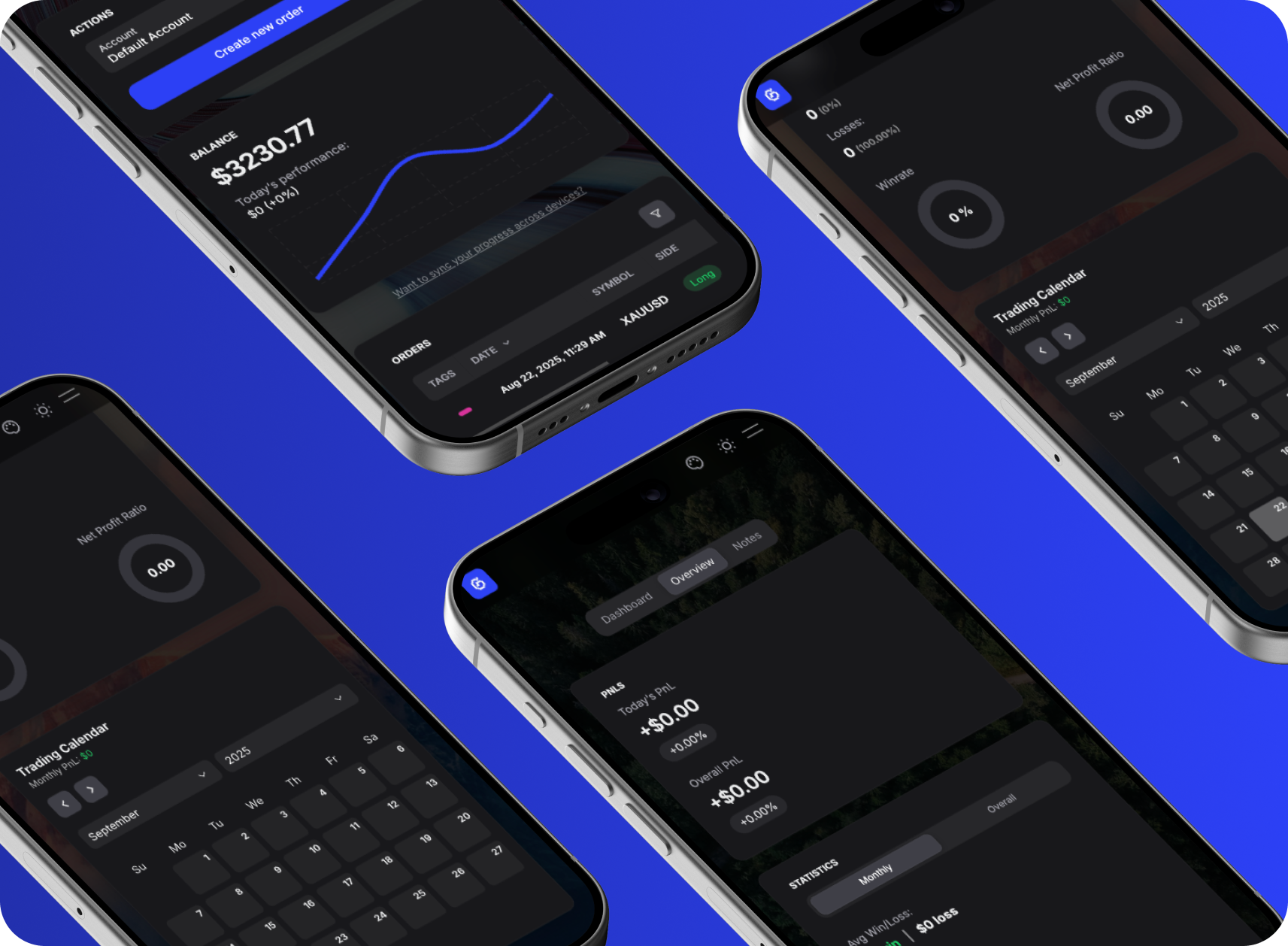
Notes & Overview
Attach notes, tags, and images to trades while reviewing P&L, ratios, and calendar-based performance stats.
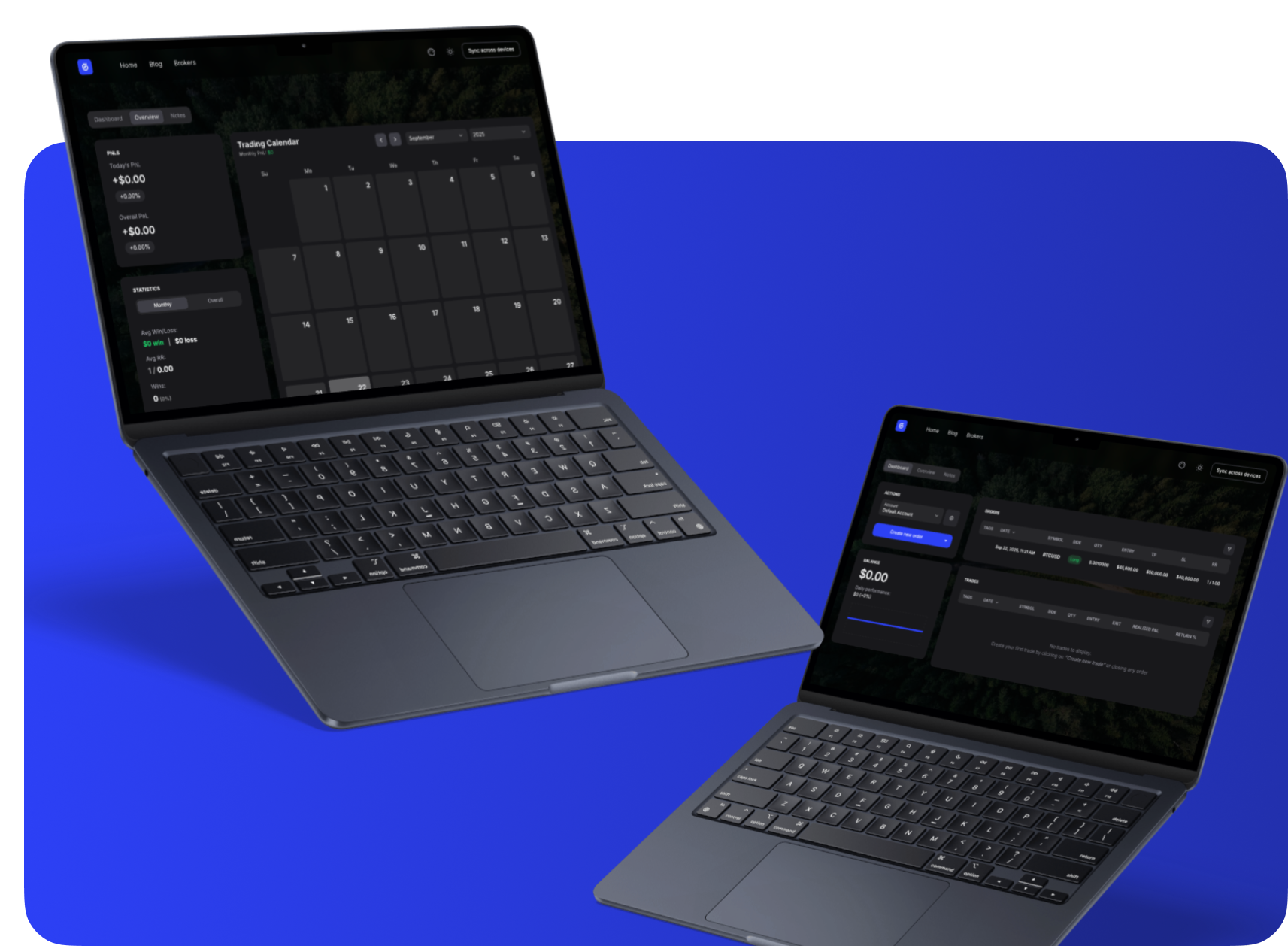
Free & Instant
Start journaling right away, no sign-up needed. All data stays private in your browser.
Everything About NinjaTrader
Complete information about NinjaTrader including commissions, platforms, regulation, and more.
NinjaTrader
Visit Website →2003
Denver, CO, USA
$0
4.2/5.0
NinjaTrader Information
Commissions & Fees
Trading Platforms
Regulations
Account Types
Pros | Cons |
|---|---|
Advanced futures trading | Futures/forex focused |
Automated trading support | Complex for beginners |
Professional charting | Platform licensing fees |
Low futures commissions | — |
NinjaTrader Customer Support
24/6
Sync Your NinjaTrader Trades
Take full control of your automated trading by syncing NinjaTrader with GASPNTRADER — track every move, review every setup, and grow with precision.
Supported Assets
How to Import Trades from NinjaTrader
Export your trade history from NinjaTrader and import it into GASPNTRADER in minutes.
- 1
Open NinjaTrader 8 desktop platform.
- 2
Go to Control Center > Account Performance or Trade Performance window.
- 3
Right-click on the trades list and select 'Export' or use File > Export.
- 4
Save as CSV with your preferred date range.
- 5
Open GASPNTRADER and upload via AI Import. The platform handles NinjaTrader's export format.
CSV Format
Instrument, Market Pos., Quantity, Entry Price, Exit Price, Entry Time, Exit Time, Profit, Commission
*NinjaTrader exports round-trip trades by default (entry + exit as one row), which GASPNTRADER parses correctly.
*Sim (paper) trades and live trades export from different accounts - make sure you select the right one.
NinjaTrader as a Trading Platform
NinjaTrader is a futures-focused platform known for advanced charting, custom indicators, and strategy automation via NinjaScript (C#). It is one of the most popular platforms for futures day traders, especially those trading ES, NQ, and CL contracts.
The free version includes charting and market analysis. Live trading requires a license or a lease. For futures traders who want deep customization and automated execution, NinjaTrader is a strong choice. The trade export integrates cleanly with GASPNTRADER for post-session review.
Popular Questions
GASPNTRADER + NinjaTrader
Boost your win rate and maximize PnL with GASPNTRADER — 100% Cost Free!