IMPORT USING CSV / AI
100% Free Trading Journal For
Tradovate
Effortlessly keep track of your trading performance with our specialized Trading Journal designed for Tradovate.
The Most Intuitive and Minimalist Tradovate Trading Journal,
Built for You.
Absolutely Cost-Free.

Tradovate
Founded 2015
A cloud-based futures trading platform with competitive pricing and modern interface.
$0
4.1/5.0
Your free trading journal — track every trade, record your decisions, and capture the emotions behind them. Recognize patterns in your trading, identify what strategies work best, and uncover the habits that lead to consistent profits. With clear, intuitive and minimalistic dashboard, you can analyze your performance over time and make smarter, more informed trading decisions.
By keeping a record of your past trades and reflecting on them, you can revisit the decisions you made, the emotions you experienced, and the reasoning behind each move. This practice helps you trade smarter, refine your strategies, and stay consistently profitable. Start using a free trading journal today and take control of your trading journey.
All-in-One
Tradovate Trading Journal
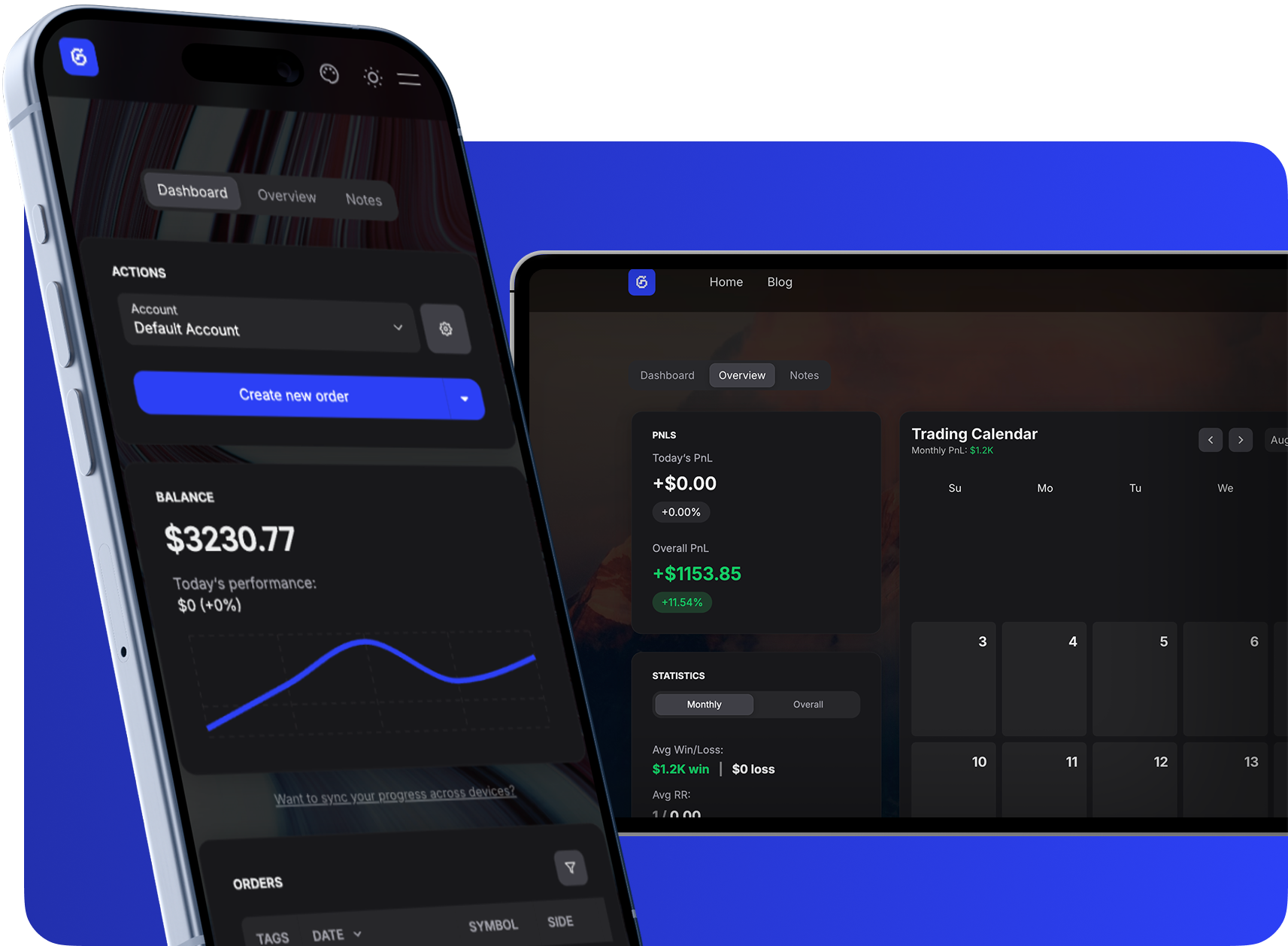
Dashboard
Track multiple accounts, manage trades, and monitor growth with a clean balance chart and searchable tables.
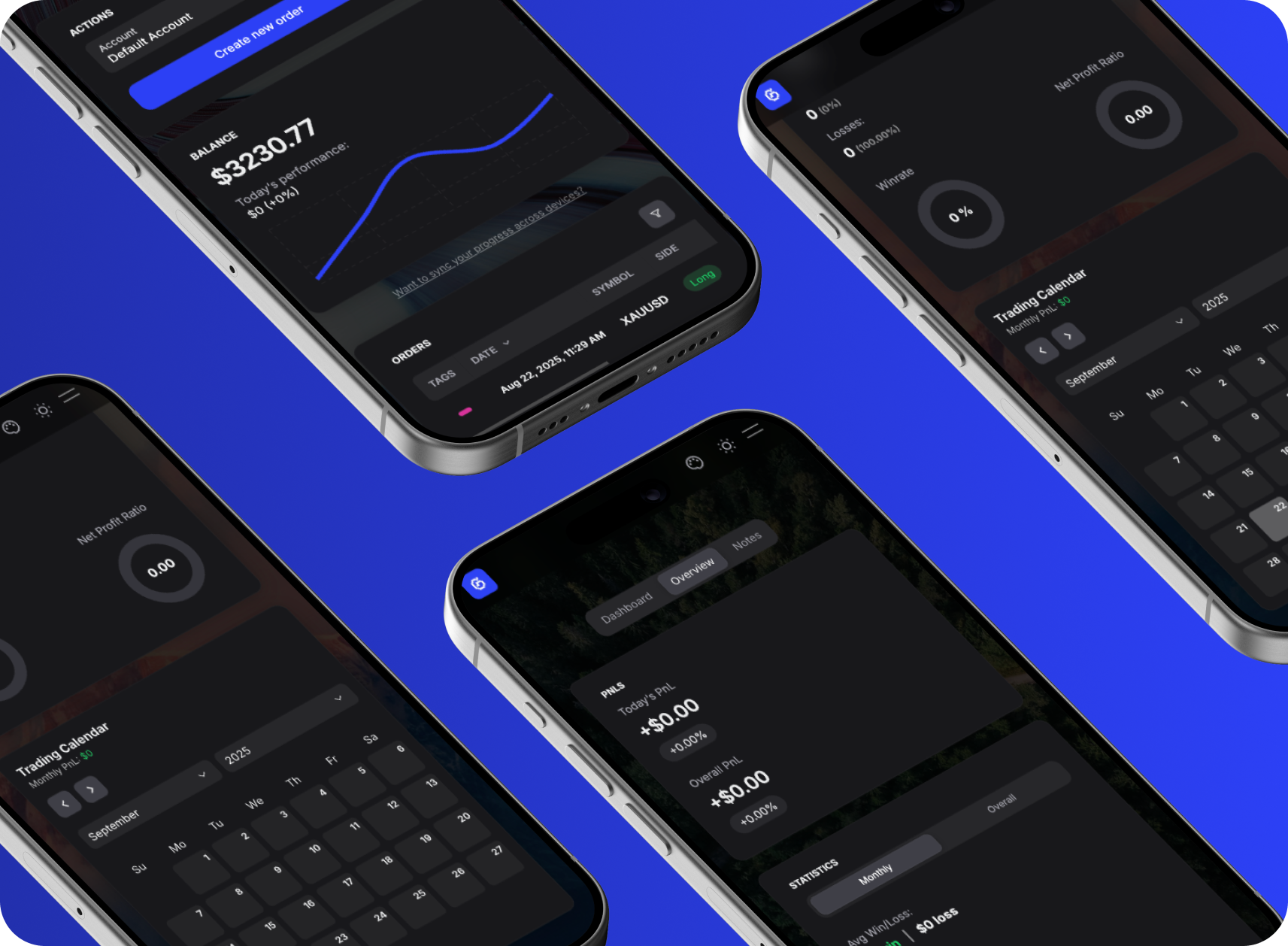
Notes & Overview
Attach notes, tags, and images to trades while reviewing P&L, ratios, and calendar-based performance stats.
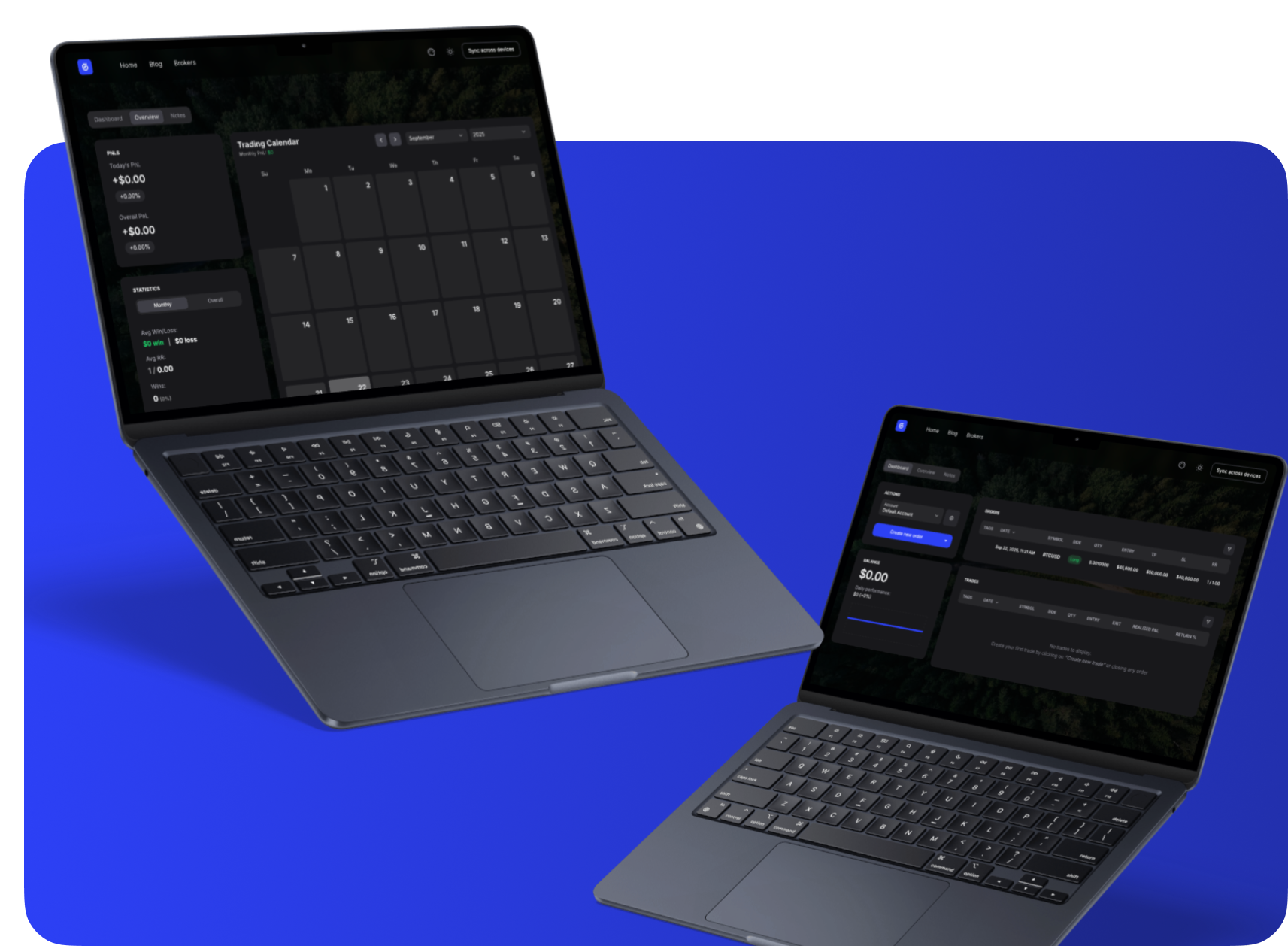
Free & Instant
Start journaling right away, no sign-up needed. All data stays private in your browser.
Everything About Tradovate
Complete information about Tradovate including commissions, platforms, regulation, and more.
Tradovate
Visit Website →2015
Chicago, IL, USA
$0
4.1/5.0
Tradovate Information
Commissions & Fees
Trading Platforms
Regulations
Account Types
Pros | Cons |
|---|---|
Modern cloud-based platform | Futures focused only |
Competitive futures pricing | Limited asset classes |
Good mobile app | No stock options |
No platform fees | — |
Tradovate Customer Support
24/6
Sync Your Tradovate Trades
Take full control of your automated trading by syncing Tradovate with GASPNTRADER — track every move, review every setup, and grow with precision.
Supported Assets
How to Import Trades from Tradovate
Export your trade history from Tradovate and import it into GASPNTRADER in minutes.
- 1
Log in to Tradovate at trader.tradovate.com or open the desktop/mobile app.
- 2
Navigate to Account > Performance or go to the Orders/Fills section.
- 3
Click the Export or Download button and select CSV format.
- 4
Choose your date range and download the file.
- 5
Open GASPNTRADER and upload via CSV Import or AI Import.
CSV Format
Symbol, B/S, Qty, Price, Fill Time, Commission, P&L
*Tradovate is futures-only. All exports will contain futures contracts (ES, NQ, CL, etc.).
*Commission-free trading is available on certain account types but exchange fees still apply.
Tradovate as a Trading Platform
Tradovate is a cloud-native futures trading platform that stands out for its commission-free trading option and clean, modern interface. Unlike traditional futures platforms that feel dated, Tradovate runs in the browser and on mobile with a responsive design.
The platform covers all major CME, CBOT, NYMEX, and COMEX futures contracts. The main advantage is cost - the commission-free membership plan is attractive for high-volume futures day traders. The main limitation is scope: Tradovate is exclusively futures, so if you trade stocks or crypto alongside futures, you will need multiple platforms.
Popular Questions
GASPNTRADER + Tradovate
Boost your win rate and maximize PnL with GASPNTRADER — 100% Cost Free!