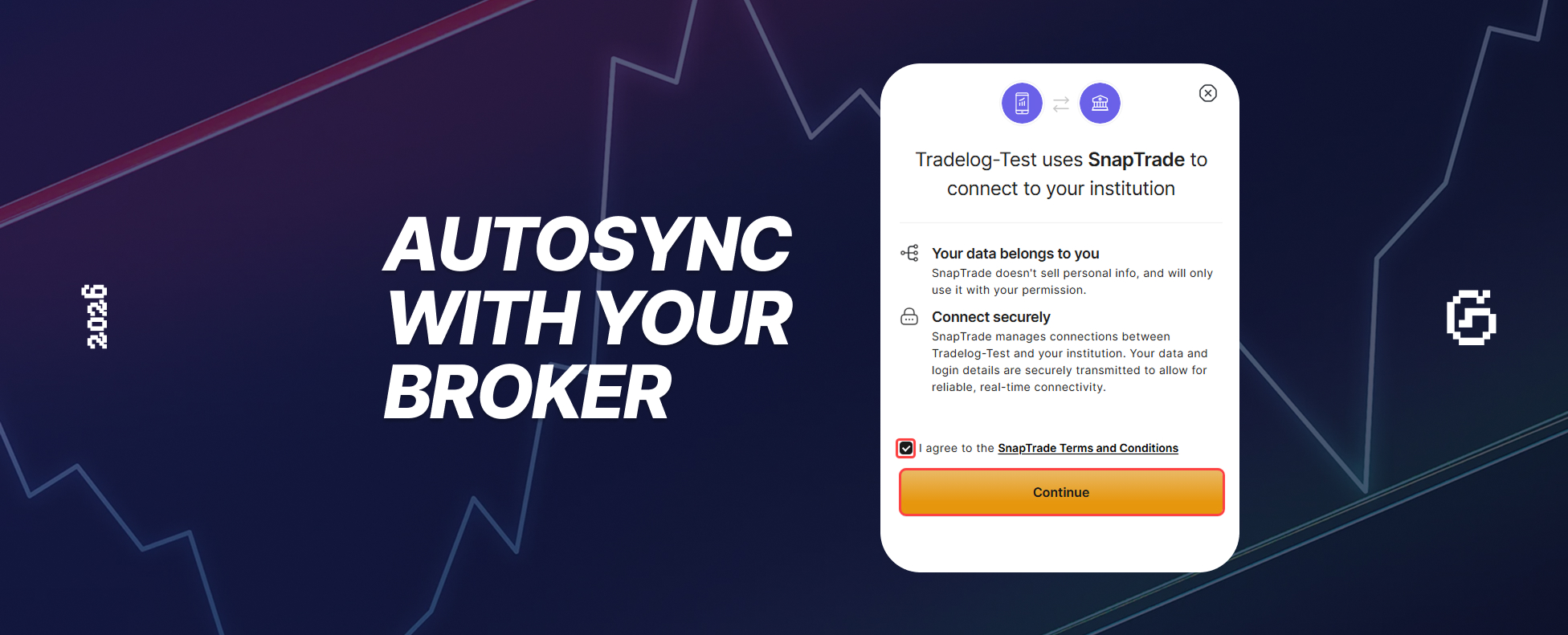
We're thrilled to announce that GASPNTRADER now supports automatic trade sync through our partnership with SnapTrade!
Connect your broker account and watch your trades automatically flow into your trading journal — no more manual uploads, no more copy-pasting.
How It Works
- Connect your broker — Link your brokerage account through SnapTrade's secure connection
- Automatic sync — Trades import automatically on a schedule you choose
- Review & analyze — Your journal stays up-to-date without any effort
Supported Brokers (25+)
Through SnapTrade, GASPNTRADER supports connections with:
US Brokers
- Charles Schwab
- Fidelity
- E*TRADE
- TD Ameritrade
- Interactive Brokers (IBKR)
- Robinhood
- Alpaca
- Tradier
- Tastytrade
Crypto Exchanges
- Coinbase
- Binance
- Kraken
- Gemini
- KuCoin
International Brokers
- AJ Bell (UK)
- CommSec (Australia)
- Questrade (Canada)
- IBKR (International)
More Coming Soon
We're constantly adding new broker integrations. Request your broker and we'll prioritize it!
Why Auto-Sync Matters
Save Hours Every Week
Manual import takes time. With auto-sync, your journal updates while you sleep.
Never Miss a Trade
Forget to log a trade? Auto-sync catches everything.
Multi-Account Trading
Track all your accounts in one place — stocks, crypto, forex, futures.
Stay Consistent
The easier journaling is, the more likely you'll do it daily.
Available in PRO
Auto-sync is a PRO feature. Here's the breakdown:
| Feature | Free | PRO |
|---|---|---|
| Manual CSV import | Yes | Yes |
| AI-powered import | 30/month | 1,000/month |
| Auto-sync (broker) | No | Yes |
| Advanced analytics | No | Yes |
How to Connect
- Upgrade to PRO (coming March 02)
- Go to Settings → Broker Connections
- Select your broker from the list
- Authenticate through SnapTrade's secure portal
- Your trades will start syncing automatically!
Security First
Your credentials never touch GASPNTRADER's servers. SnapTrade uses bank-level encryption and OAuth to keep your data safe.
Get Ready for PRO
Auto-sync launches with PRO on March 02, 2026. Sign up now to be ready!
Questions? Reach out to our support team.
— The GASPNTRADER Team